
Inside the application
The real screens.
The complete process.
Explore the actual ArtifactTrust Pro GUI workflow. Select any screenshot to enlarge it, then use the arrow keys to move through the gallery.
11 screenshots shown
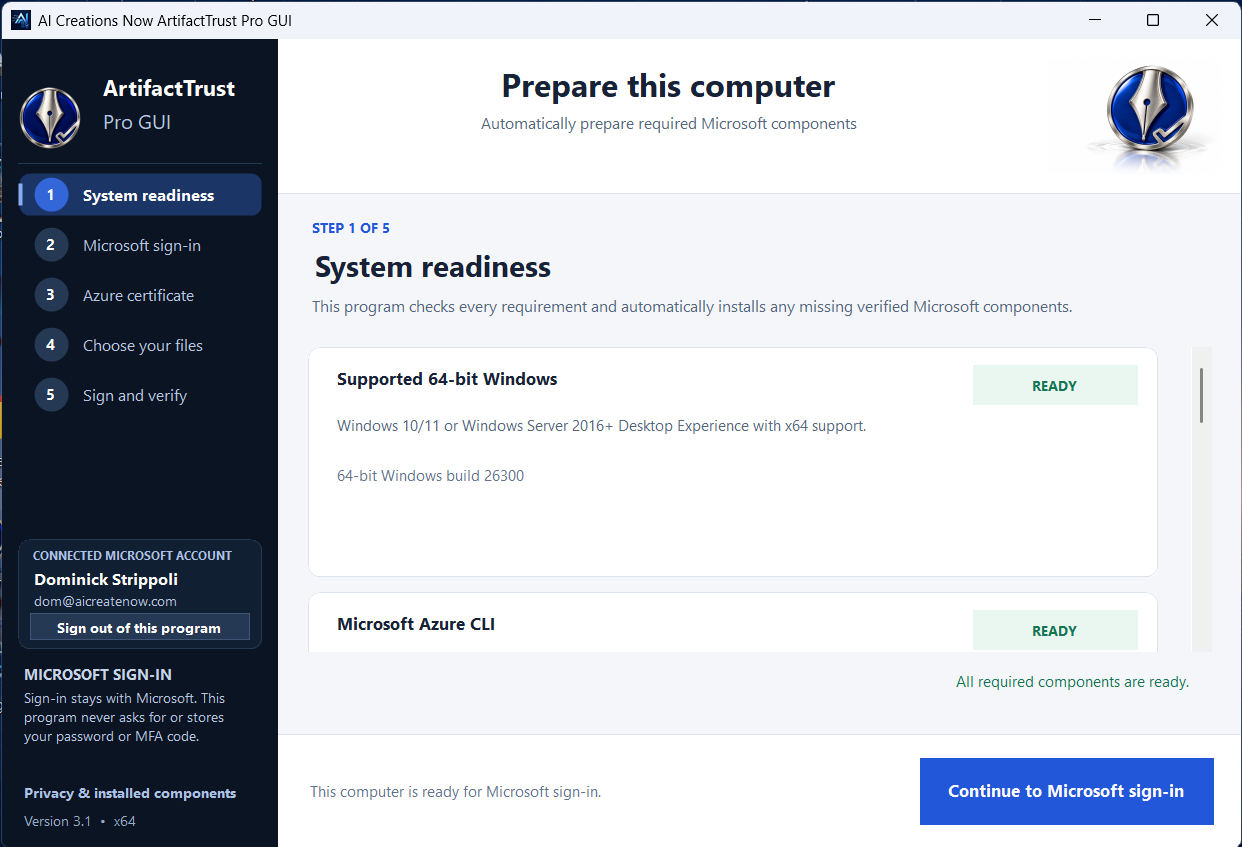
Prepare your computer
The first-launch readiness screen checks required Microsoft components and prepares any missing prerequisites.
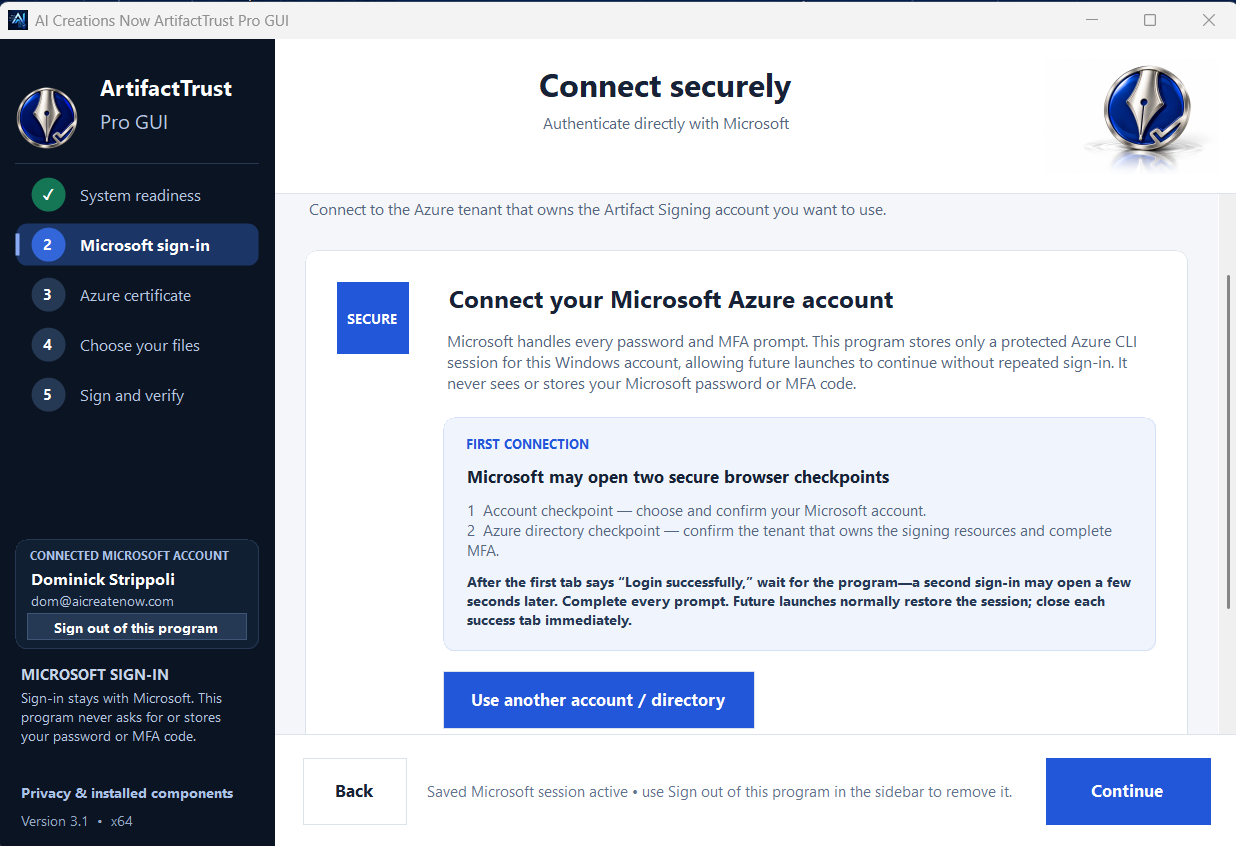
Connect through Microsoft
Use your Microsoft sign-in and an existing account with permission to access your signing resources.

Choose your signing profile
Select an existing subscription, signing account and certificate profile. The application does not create these resources.
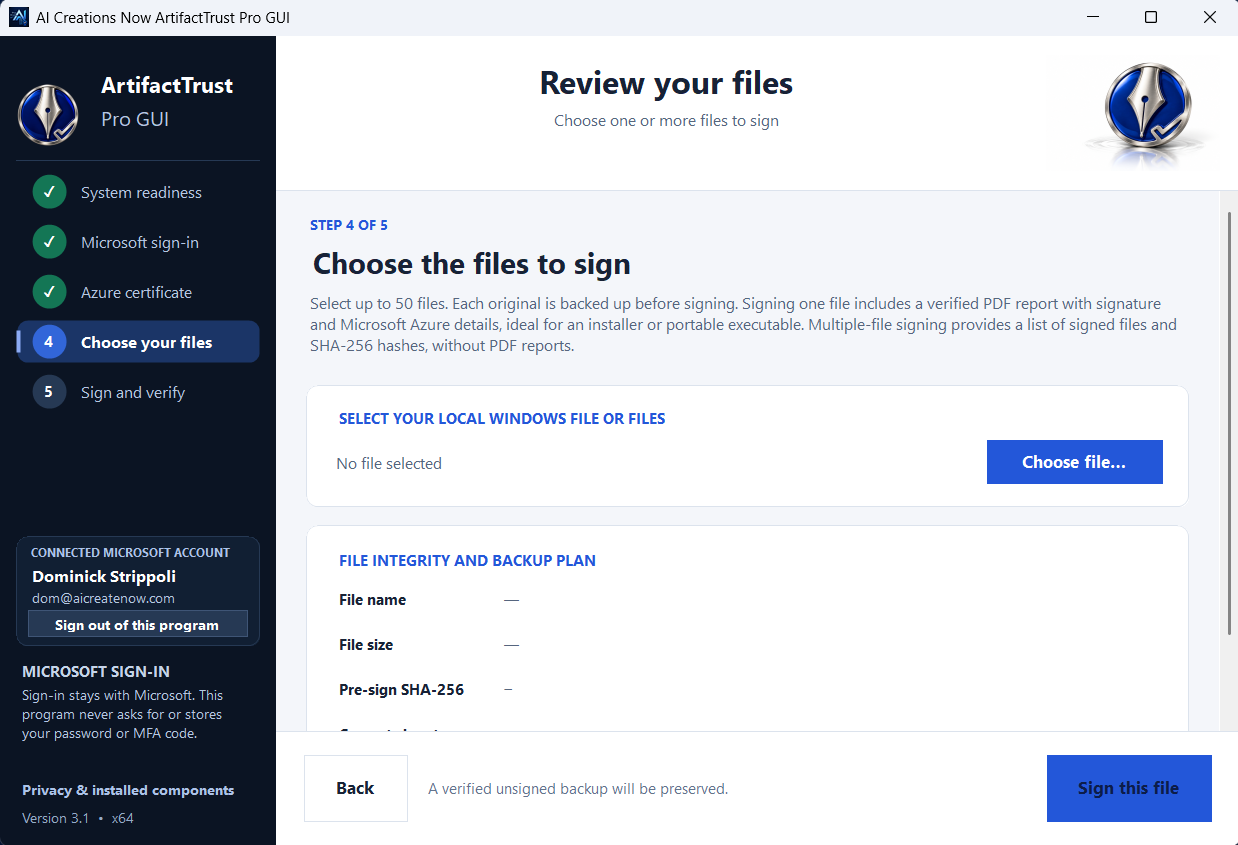
Review your files
Choose compatible files to sign, with an unsigned backup preserved before each file is processed.
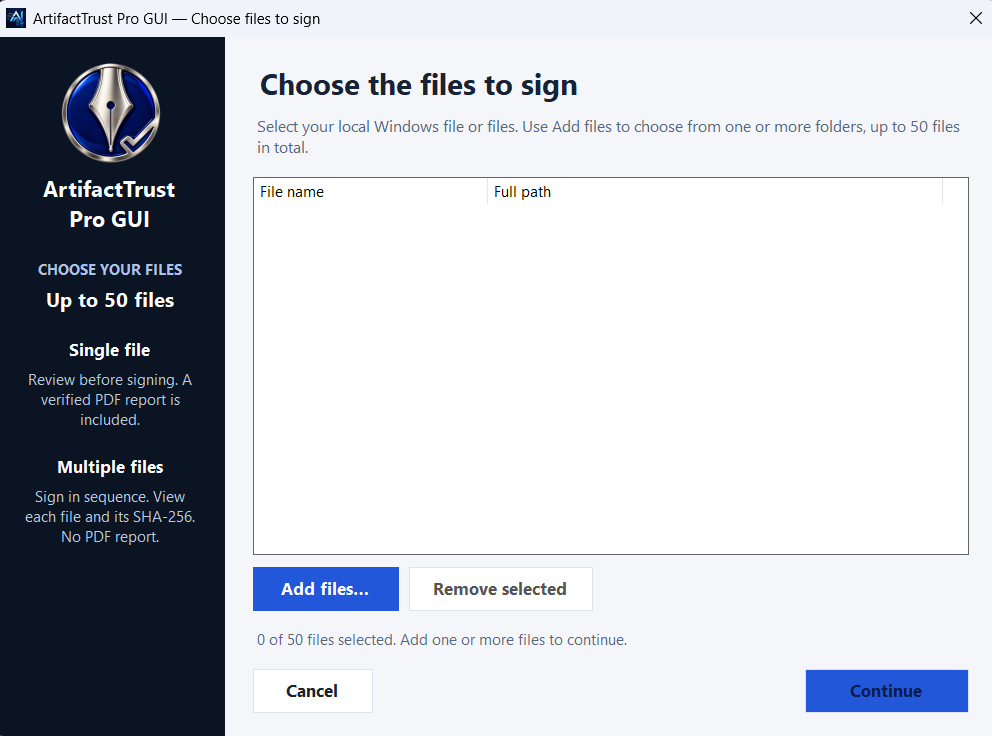
One file or a batch
Add up to 50 compatible files. Single-file signing includes a PDF report; batch signing processes files in sequence without PDF reports.
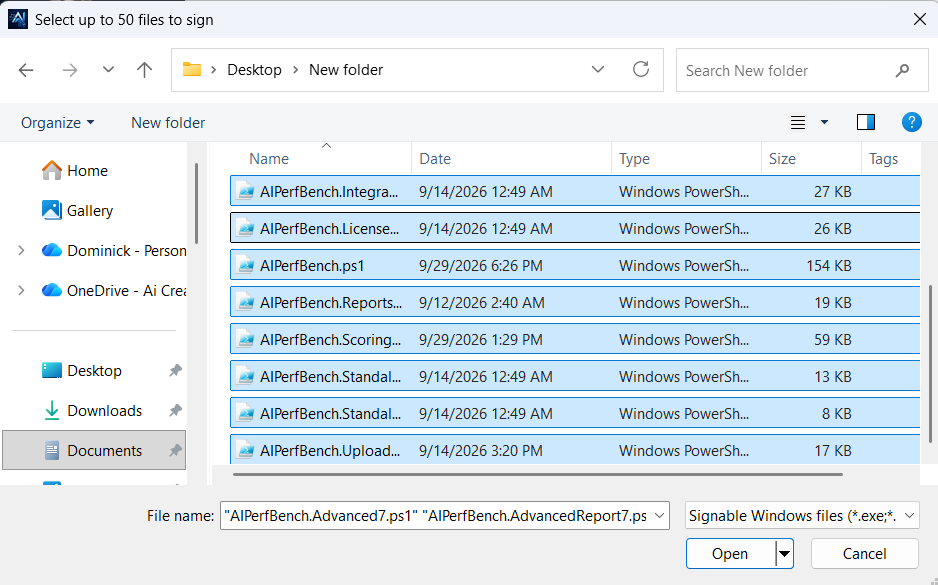
Use the familiar Windows file picker
Browse your computer and select the files you want to add to the signing list.

Review a batch before signing
This example shows 14 selected files. The application supports a batch of up to 50 compatible files.

Follow the signing progress
Watch each file move through signing and verification, with activity details shown in the application.
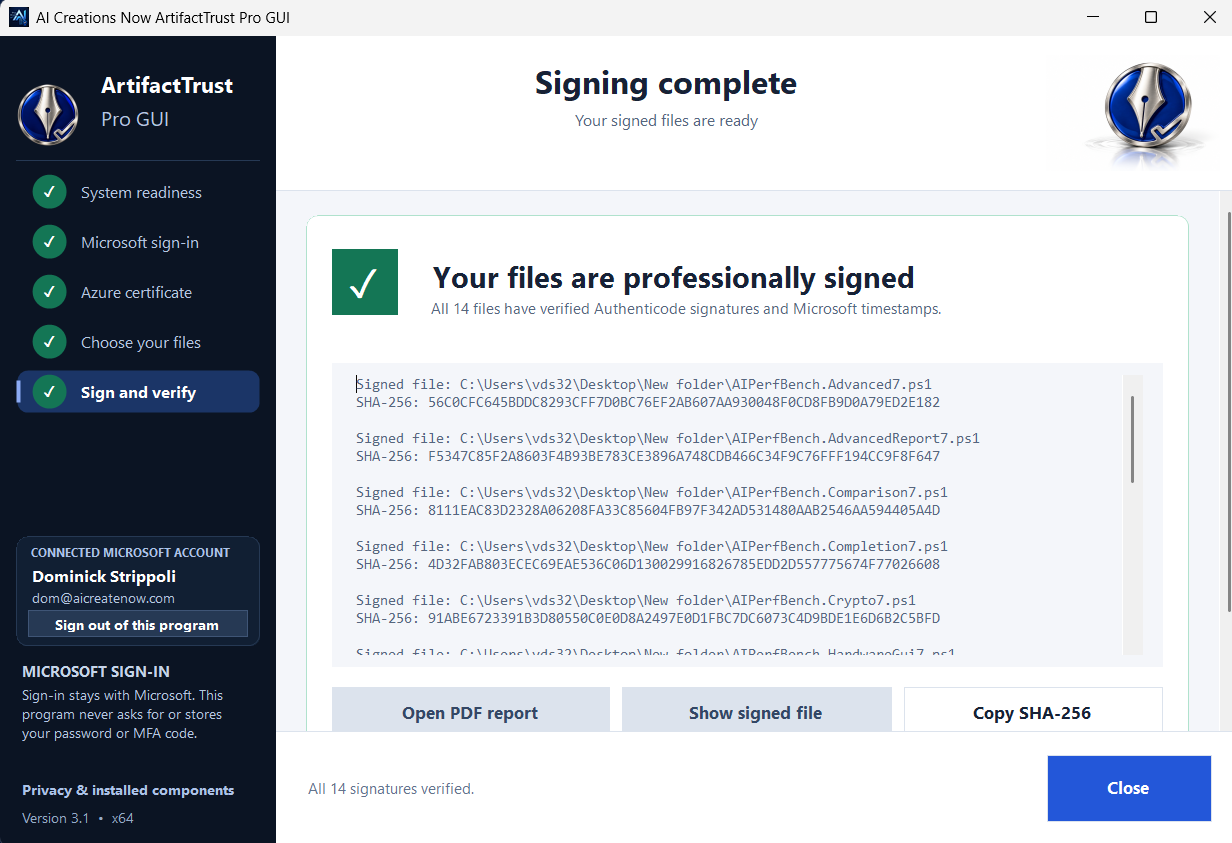
See the verified results
This completed example shows 14 files with verified Authenticode signatures and Microsoft timestamps.
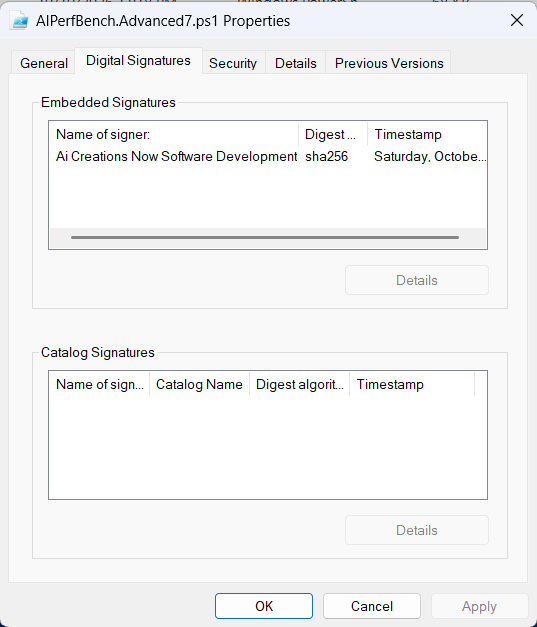
Inspect the signature in Windows
Windows file properties show the publisher signature embedded in a signed file.
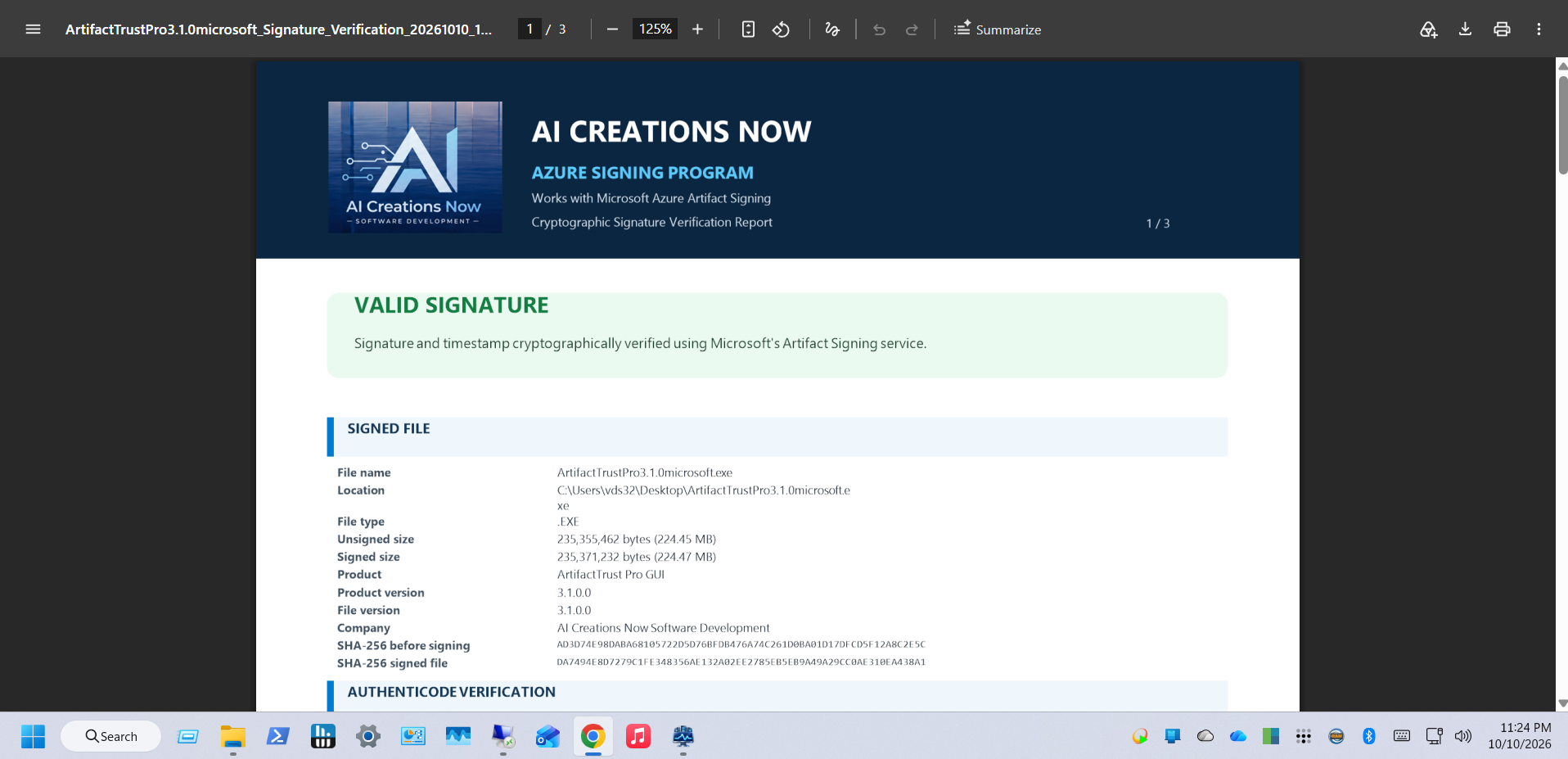
Sample PDF verification report
A single-file report documents signature verification, file information and hashes. This supplied example retains legacy report branding.
Screenshots show the publisher’s demonstration environment. Account names, paths, resources and results will differ on your computer. The sample PDF retains the report’s earlier branding; the report format is unchanged in version 3.1.
A free tool for the work you create
Ready to sign
your next release?
ArtifactTrust Pro GUI is 100% free for everyone. No application purchase. No donation required.
Version 3.1 · Windows x64 · Your own configured Microsoft Artifact Signing account is required. Microsoft service charges are separate.
If this tool makes your release day a little easier, an optional coffee helps support our independent software work. Thank you.